
New Customer Account Area
Updated: May. 19, 2015
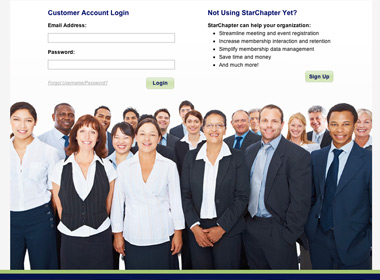
We have recently released a new customer account area where our customers will be able to manage their billing contact information, payment method, purchase additional services and more. To access this area, please visit https://starchapter.com/customer-account.php or click theContinue button in the StarChapter Account Login box on the home page of your StarChapter admin area. You will notice that the Customer Contact and Control Information box has been removed but you can still manage these fields from the Site Configuration screen.
If this is your first time logging into the customer account area, you will need to first set a password. To do so, visit https://starchapter.com/customer-account.php?screen=resetand enter your email address. Note that this e-mail address must match the billing contact on file with StarChapter. You will then be emailed a temporary password to use for your first login. After logging into the customer account area, you will be able to change your password.
Please contact StarChapter Support should you have any questions regarding this.



0 Comments